 AdoQ
AdoQ01 / THE CHALLENGE
Visitors are unsure which counter to approach
WITH ADOQ
Start with a clear registration step
Let reception capture the visit and place the person in the relevant queue. Configurable fields keep the operational details consistent.
Give reception and service-counter teams a shared view of arrivals, waiting visitors and recorded service activity.
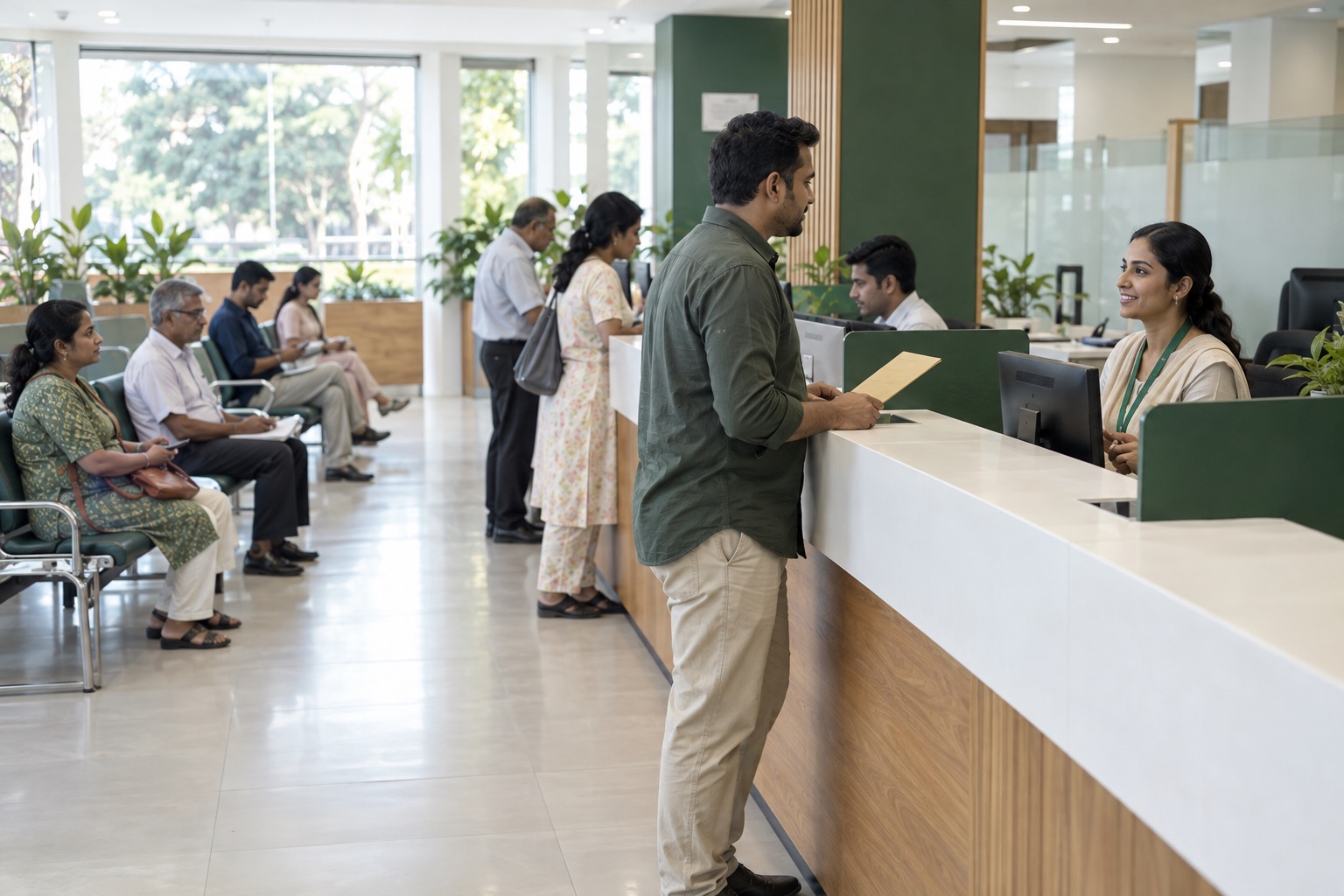
Visitors may be unfamiliar with the office or the service they need. Reception needs to direct them to the right counter, and counter teams need a clear view of who is waiting and what has already been recorded.
Practical tools for the moments your team handles every day.
Let reception capture the visit and place the person in the relevant queue. Configurable fields keep the operational details consistent.
Pause or resume service queues, call the next visitor and transfer between desks when another team needs to help.
Save staff notes, review completed visits and use available reports and audit logs to understand activity. Availability varies by plan.
A suggested workflow you can adapt to your service points and staff responsibilities.
Register at reception, or enable QR check-in where it suits your visitors.
Use the service categories and counter structure defined by your team.
Keep staff and visitors informed through the counter workspace and configured queue display.
Record the outcome of the visit and any next-step notes for authorized staff.
One view of arrivals and the next person to assist, without maintaining separate lists.
Review visitor volumes and operational activity, with configurable roles for the team.
No. Staff can register people at reception and manage their visits from the counter. QR check-in and personal status links are optional.
No. It supports visitor queues and operational records. Eligibility decisions, official case processing and statutory workflows remain outside AdoQ.
Not a case-management or eligibility decision system. Review accessibility, privacy, procurement and records requirements before production use. The current trial is a test environment: use fictional information only.
Less queue coordination.
More human connection.