
Send from your business
Connect the approved business sender used by your organization. The patient or customer is the recipient; they do not need to integrate their own account.
A useful message does more than confirm registration. It gives the person a way to check their queue status and understand what to do next.
A person may call to register and then wonder what happens next. With the business integration configured, a message can connect that registration to a personal queue-status link on their phone.
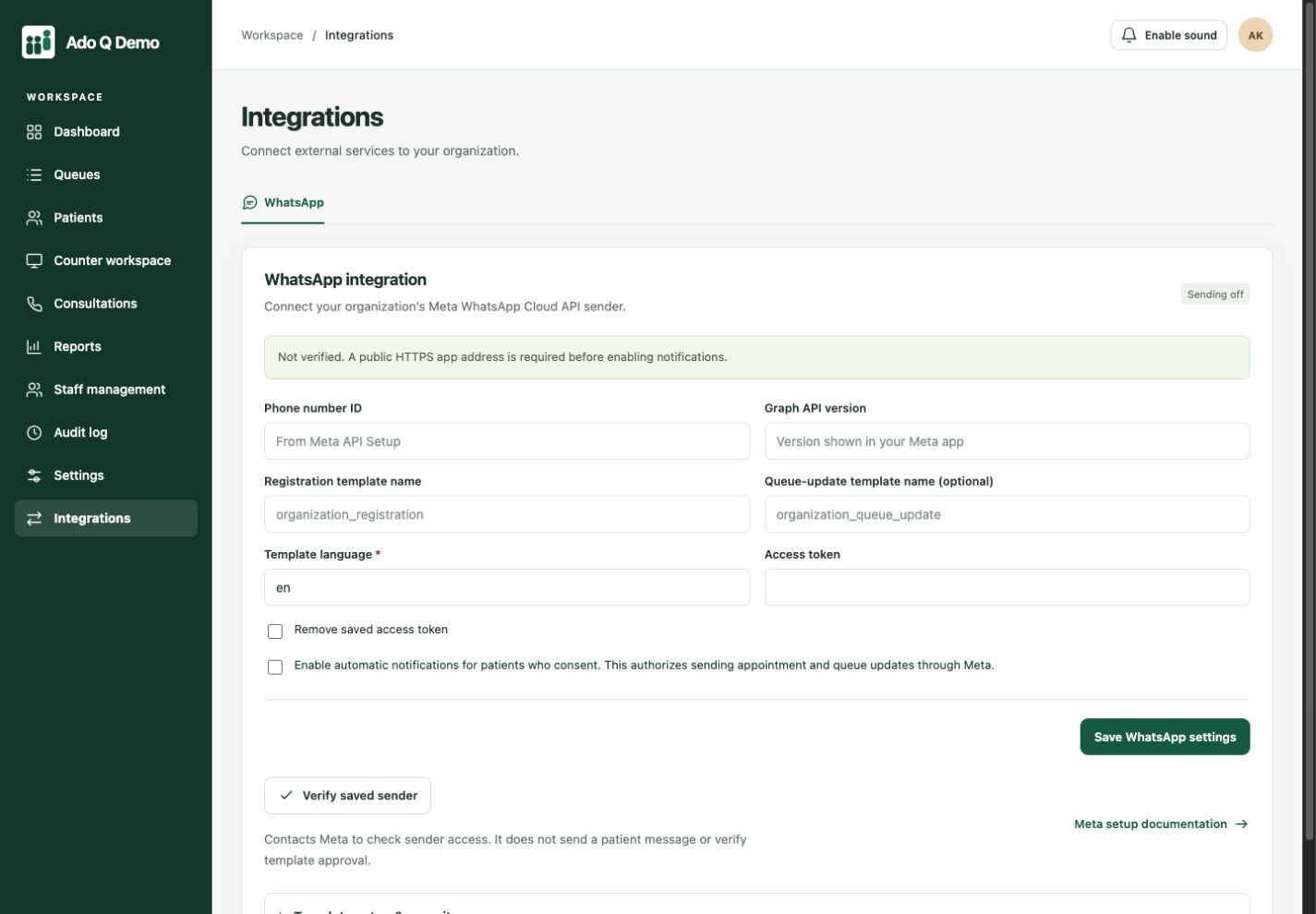
The integration workspace lets your administrator configure the business sender and templates. This demo is not connected to a live sender.
Connect the approved business sender used by your organization. The patient or customer is the recipient; they do not need to integrate their own account.
Use configured notifications and approved templates to share the relevant visit information and a personal status link. Avoid putting sensitive clinical information into routine messages.
Obtain recipient consent, configure the provider and test delivery. Integration availability depends on your plan, and provider messaging charges may apply.
Configure the supported WhatsApp Business Platform sender.
Review consent, templates and the notifications your team needs.
Check delivery and the linked visitor journey before rollout.
Configure the supported WhatsApp Business Platform sender.
Review consent, templates and the notifications your team needs.
Check delivery and the linked visitor journey before rollout.
Bring one everyday service scenario to your demo: who arrives, who handles the visit and what information needs to follow them. We’ll walk through the relevant controls and discuss your staff roles, devices and selected plan. Start with a small evaluation using sample records before planning a wider rollout.
No. Automated platform messages require the business-platform integration, provider configuration and approved templates where required.
No. Provider charges and messaging rules apply. Confirm your plan’s integration scope separately from message costs.
No. Delivery and reading depend on the provider and recipient. Maintain an operational fallback for important service instructions.
Connected clients. Coordinated service.
More human connection.