Clinics
Bring walk-ins, appointments and returning patient records into one shared workspace for your reception team and practitioners.
Explore clinicsThe front desk, the waiting room and the consultation belong to the same story. Connect them with queue management and patient records built around your team.
Book a walkthrough
A clinic reception, an outpatient department and a lab collection desk each need a different flow. Find yours.
Bring walk-ins, appointments and returning patient records into one shared workspace for your reception team and practitioners.
Explore clinicsCoordinate outpatient service queues, staff access and patient handovers so each team can see the next step in the visit.
Explore hospitalsOrganize registration and collection queues, identify returning visitors and keep uploaded reports and payment entries connected to the right record.
Explore diagnostic labsGive authorized staff the information recorded from previous visits, instead of asking the patient to start again.
Patient ID · AQ–024
Practitioner and visit notes in one place.
Recommendations available to authorized staff.
A connected record across return visits.
Give patients a personal queue-status link. They can check their place from their phone, without installing a dedicated app or returning to the desk for every update.
Their phone shows queue and visit status. Your authorized team manages the detailed records, notes and documents in Ado Q.
See the visitor experience QUEUE STATUS
General consultation
Sample queue preview · One personal link.
No dedicated app to download.
From the first registration to a follow-up conversation, give your team a clearer picture.
Manage patient profiles, practitioner details, clinical notes and uploaded documents. Give authorized staff access to the history they need.
Explore record managementArrange a remote consultation with a practitioner and share a private joining link. Save notes from the discussion, recommendations and payment status.
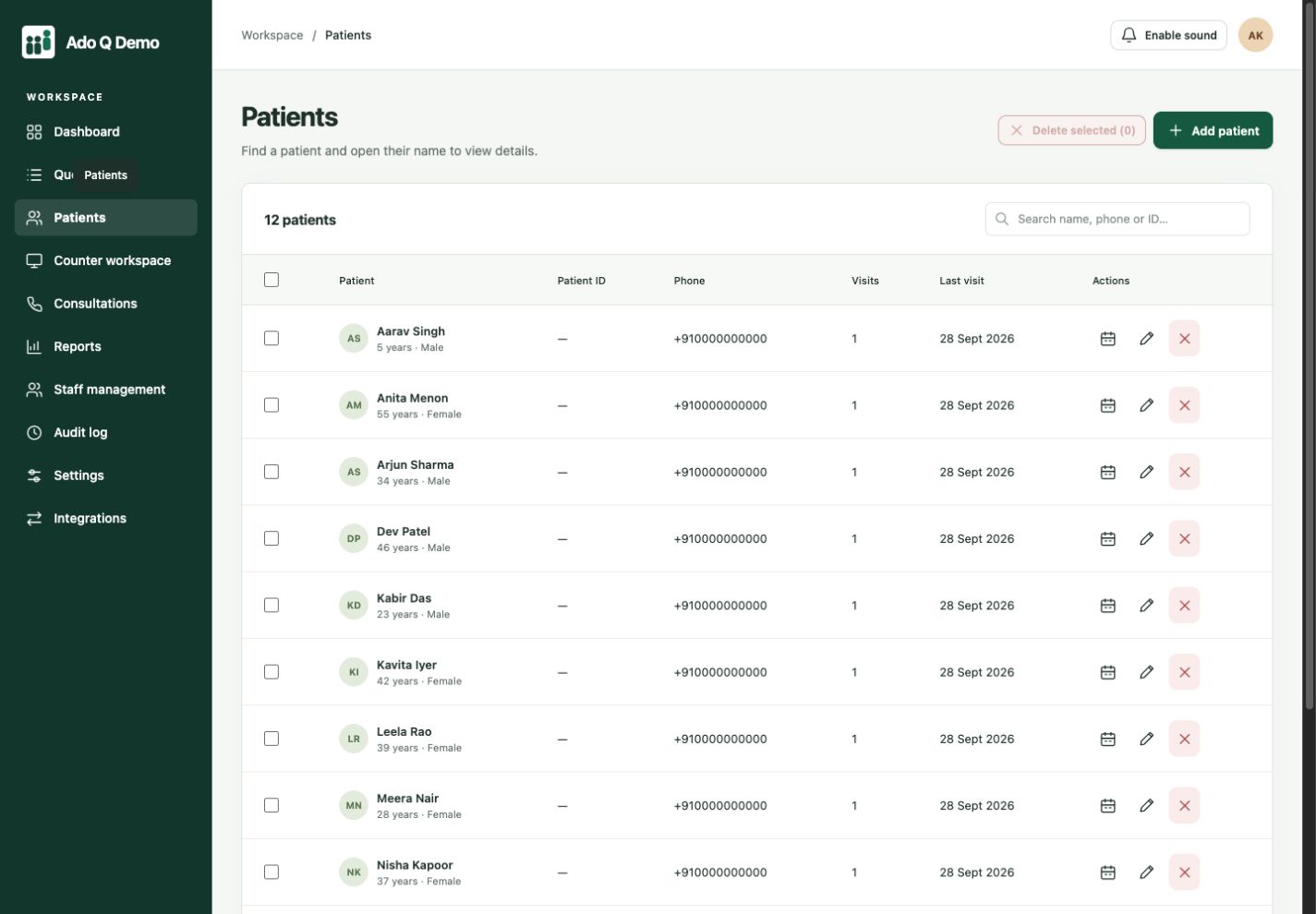
Explore online consultationsLook up a returning patient and open their connected record from the directory.
Yes. Staff can register walk-ins and scheduled visits, check people in and manage the active queue. Estimated waiting times are advisory and may change.
A personal link shows queue status and estimated waiting time. QR self-check-in can be enabled. Public queue views do not display clinical records.
AdoQ focuses on queue operations, visit records and consultation workflows. It does not replace a full hospital information system, laboratory information system or clinical judgement.
No. The current hosted application is a test environment. Use fictional information only. Production hosting, privacy requirements, security and operational readiness must be reviewed before real patient use.
Connected clients. Coordinated service.
More human connection.